If your business has a firewall for outbound requests, see Crawler IPs and User Agents to get Facebook’s IP addresses. Be aware that the list of addresses changes often.
Process Overview
The process of setting up a Conversions API integration consists of the following high-level steps:- Choosing the integration method that is right for you.
- Completing the necessary prerequisites for that implementation method.
- Implementing using that integration method.
- Verifying your setup and adhering to best practices that help improve ad performance.
Integration Methods
There are several methods for integrating with the Conversions API, and they vary by level of effort, cost, and the features they enable. See this article for an overview of Conversions API setup options. The primary focus of this developer documentation is building direct integrationsRequirements
Pixel ID
You must obtain a Pixel ID to use the Conversions API. If you’ve already set up a Pixel for your website, we recommend that you use the same Pixel ID for your browser and server events.Business Manager
You also need a Business Manager to use the API. Business Manager helps advertisers integrate Facebook marketing efforts across their business and with external partners. If you don’t have a Business Manager yet, see the Help Center article on how to Create a Business Manager.Access Token
To use the Conversions API, you need an access token. There are two ways of getting your access token:- Using Events Manager (Recommended)
- Using your own app
Using Events Manager (Recommended)
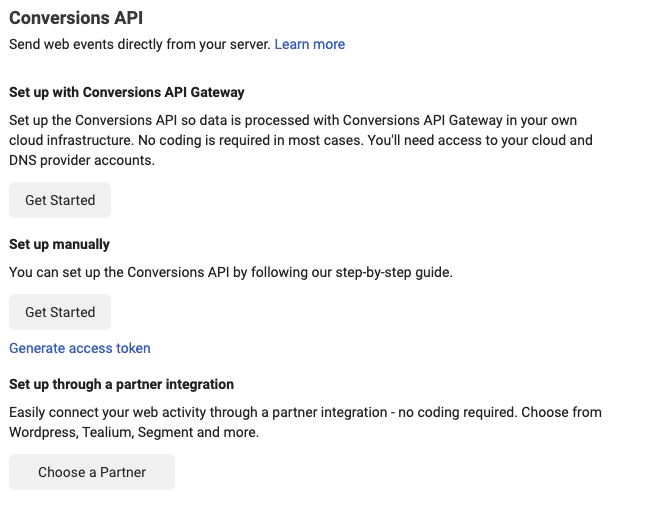
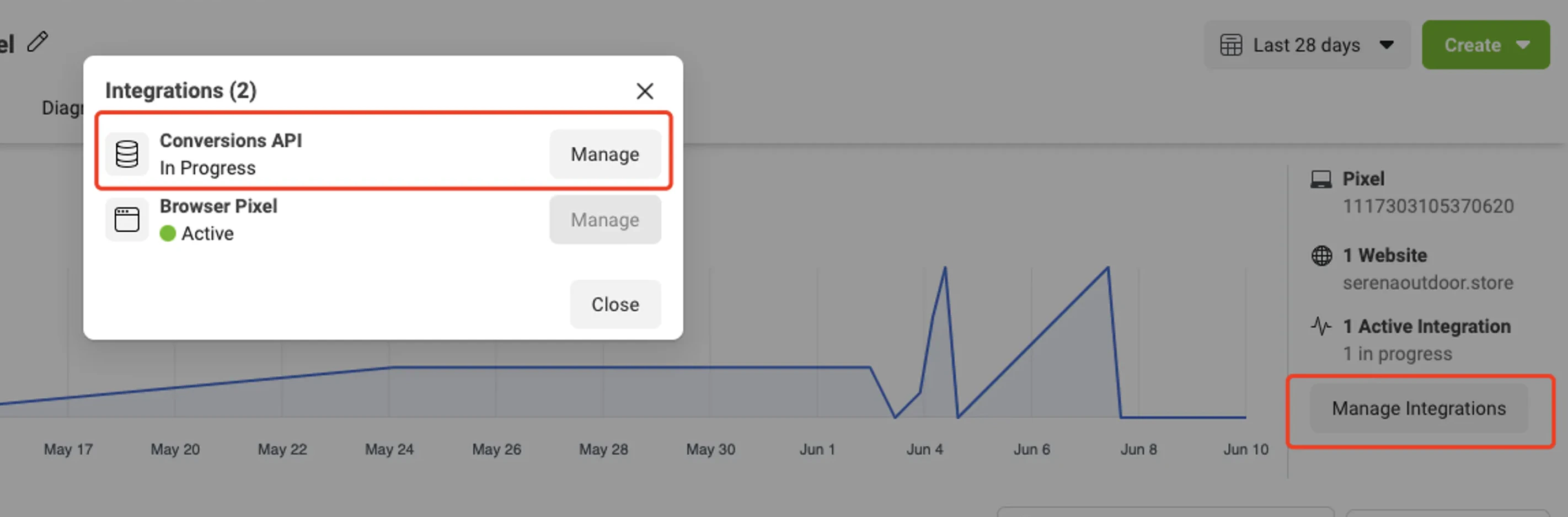
To use the Conversions API, you need to generate an access token, which is passed as a parameter in each API call. Inside Events Manager, follow these steps: Step 1 - Choose the Pixel you want to implement. Step 2 - Select the Settings tab.
Note: The Generate access token link is only visible to users with developer privileges for the business. The link is hidden from other users.